
This is the first of a short series introducing the apps I have been building. One post per app, what it does, and why it exists at all. Starting with the oldest of the lot, because it is also the one that has changed the most.
The idea
Everybody hands their phone to somebody. A friend takes it and swipes through your holiday pictures. You cast the photos from a work field day onto the big screen in the office. It is Christmas dinner and the family is going through the album on your phone.
The camera roll has the holidays and the cats in it. It also has a few of your dates from Grindr or Tinder, or something your boyfriend sent you for fun.
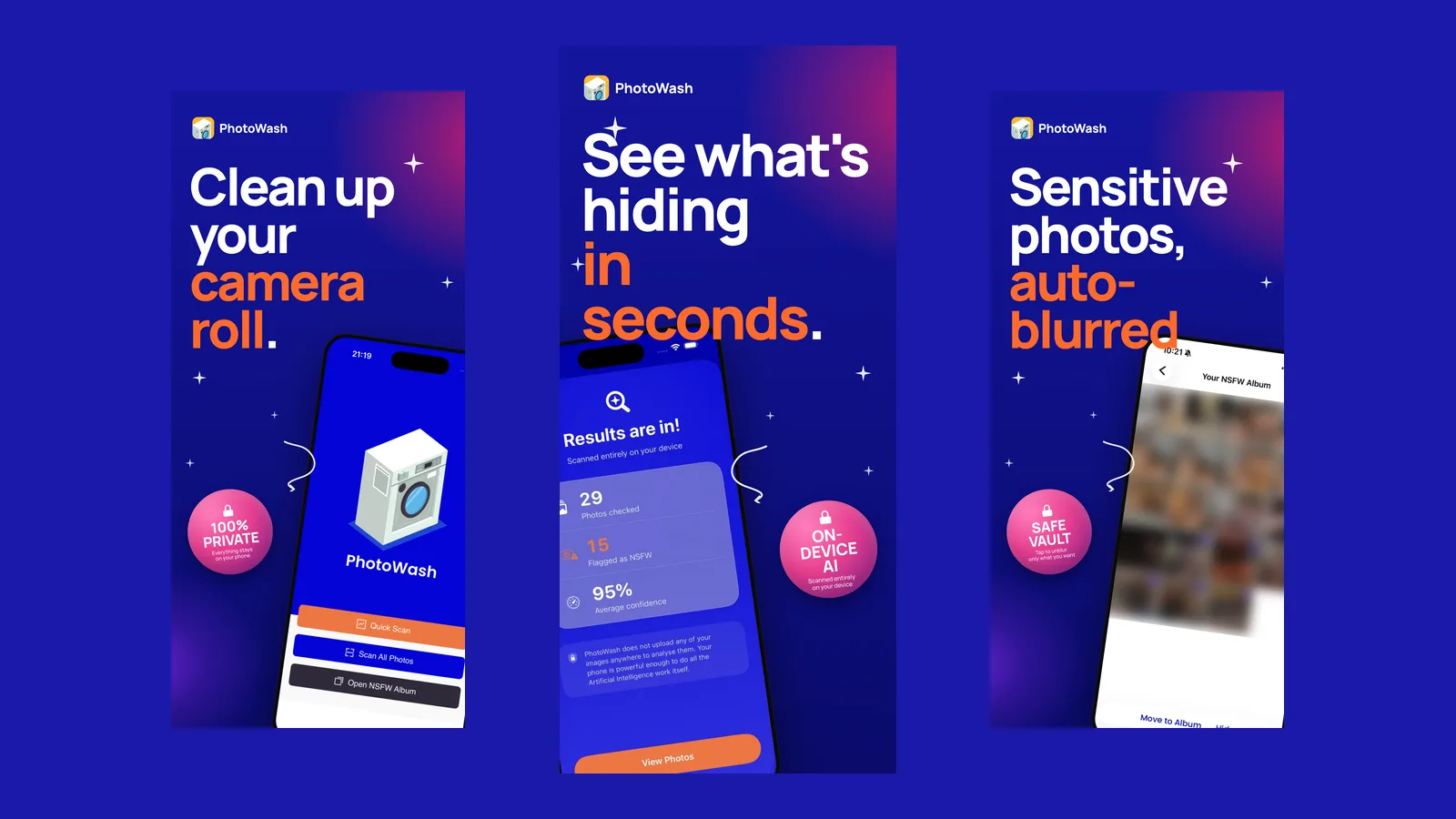
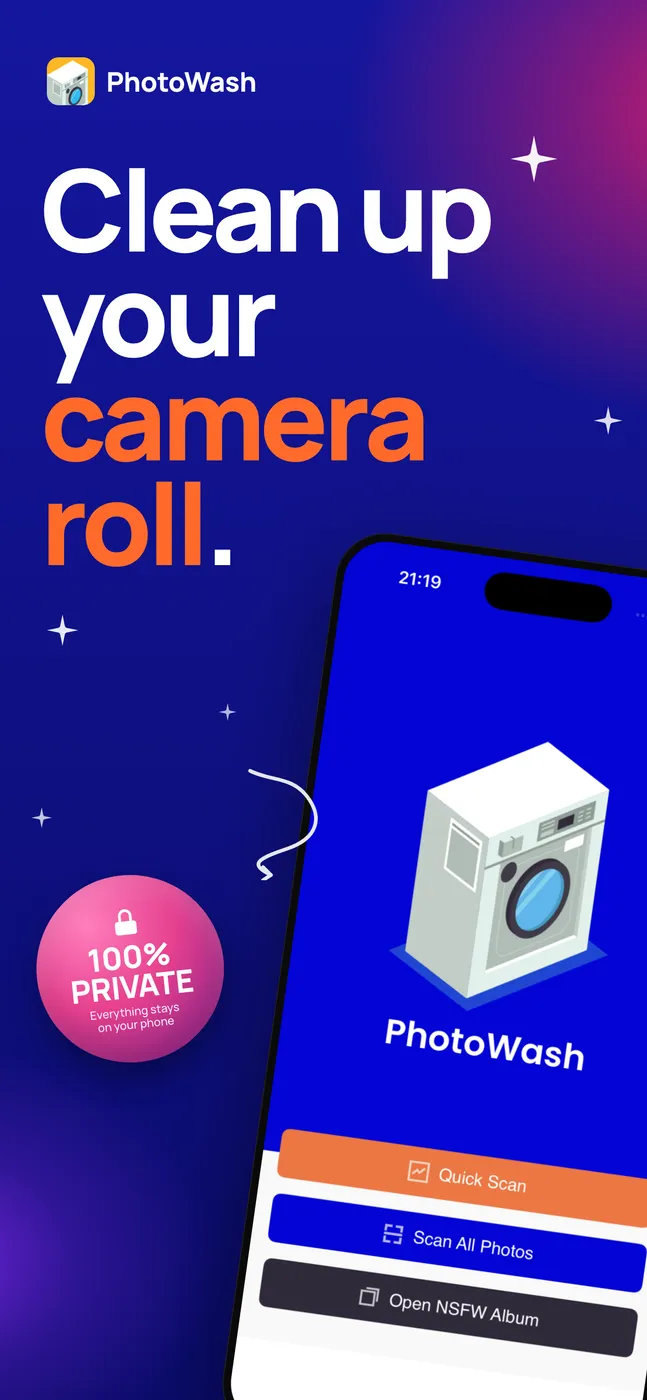
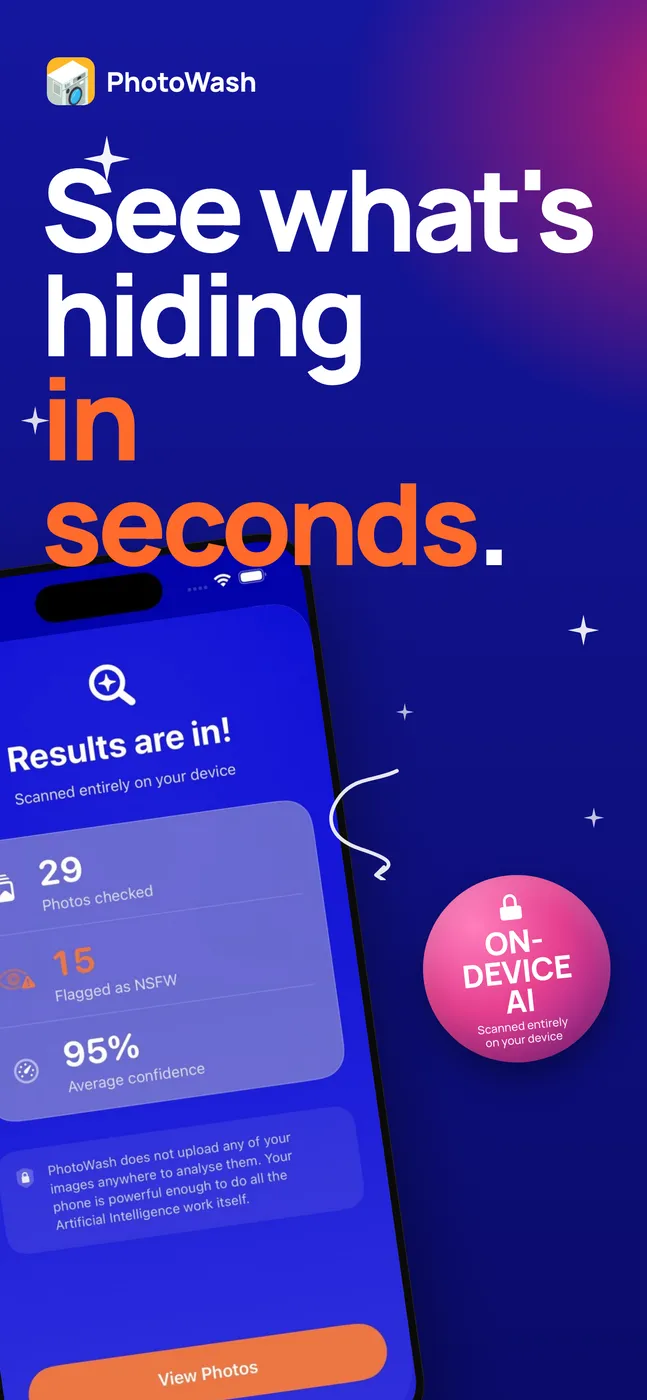
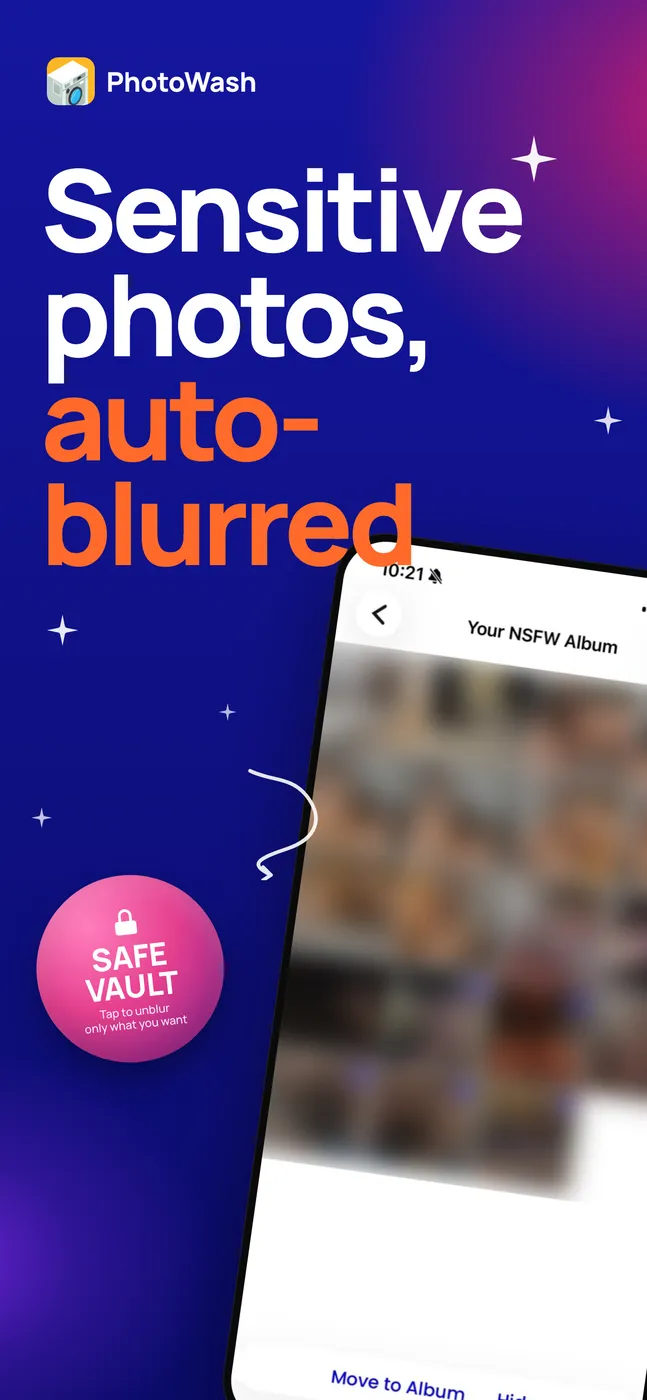
PhotoWash finds those for you. It reads your library, works out which pictures are sensitive, and lets you decide what happens next: leave them where they are, move them into an album that sits behind the phone’s own lock, or delete them. Blurring is a display option inside the app, so the results list does not show you everything you were trying to hide. It never alters the photographs themselves.
Privacy is paramount here. Nothing is uploaded and there is no server that receives your photographs. That is not only a privacy decision. Uploading four to ten thousand photos from every phone for analysis would be slow for the user and would cost a fortune to run. The classification happens on the device, using a model that ships inside the app.
What I learned from the first version
PhotoWash first shipped years ago and I wrote about the build back then in the original case study. What that version taught me is that a classifier is not a product. A machine that says “yes” or “no” about a photograph is the easy half. The hard half is what a person is supposed to do with a list of two hundred results at eleven o’clock at night.
So the app now says how sure it is. A result is marked as unsure, likely or confident rather than being quietly dropped into one bucket, because “probably” is the honest answer for a great many photographs and pretending otherwise just teaches people to distrust the whole list. Thumbnails come back blurred, and you tap to reveal one rather than having the grid show you everything you were trying to hide. There is a setting to turn that off, off by default, for people who find it tiresome.
Cleaning up while you are asleep
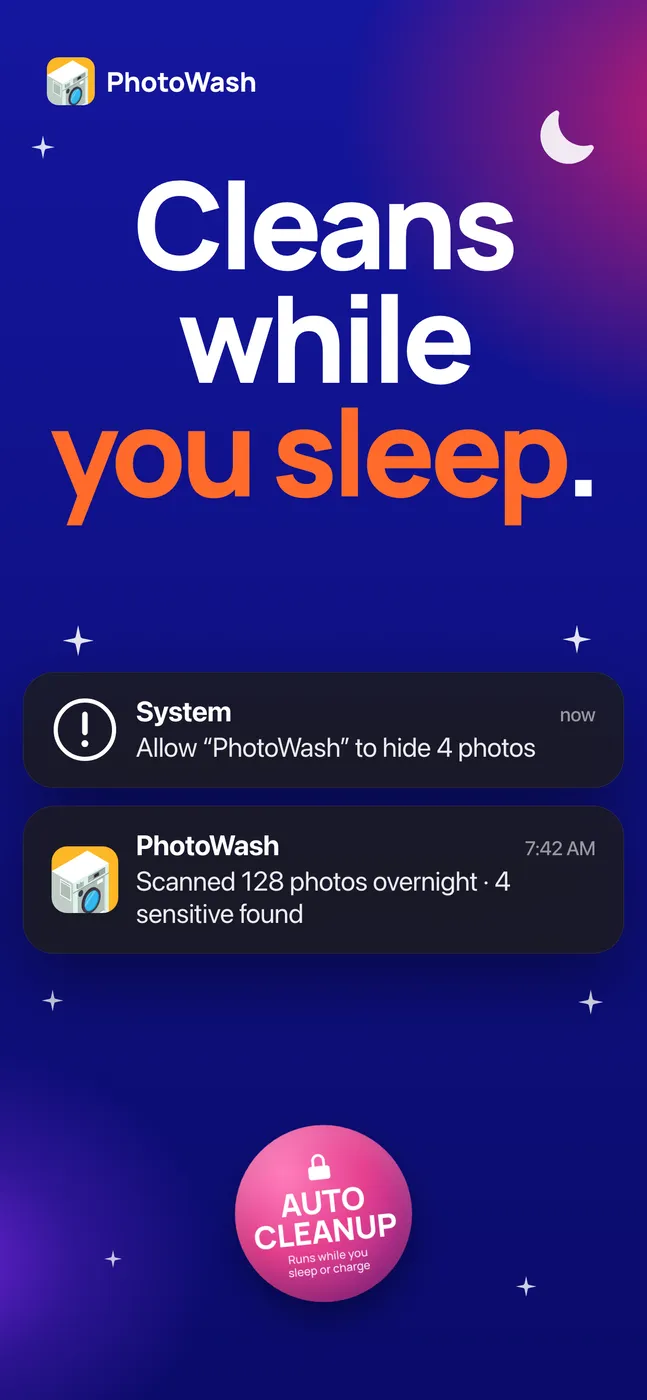
The other lesson is that nobody wants to run a scan. Scanning is a chore, and a chore that has to be remembered is a chore that does not get done, which means the app is only ever correct about the day you installed it.
The current version can check new photographs while the phone is idle or charging, and tell you in the morning what it found. That turns the app from something you use into something that has already happened, which is the version of this idea I always wanted.
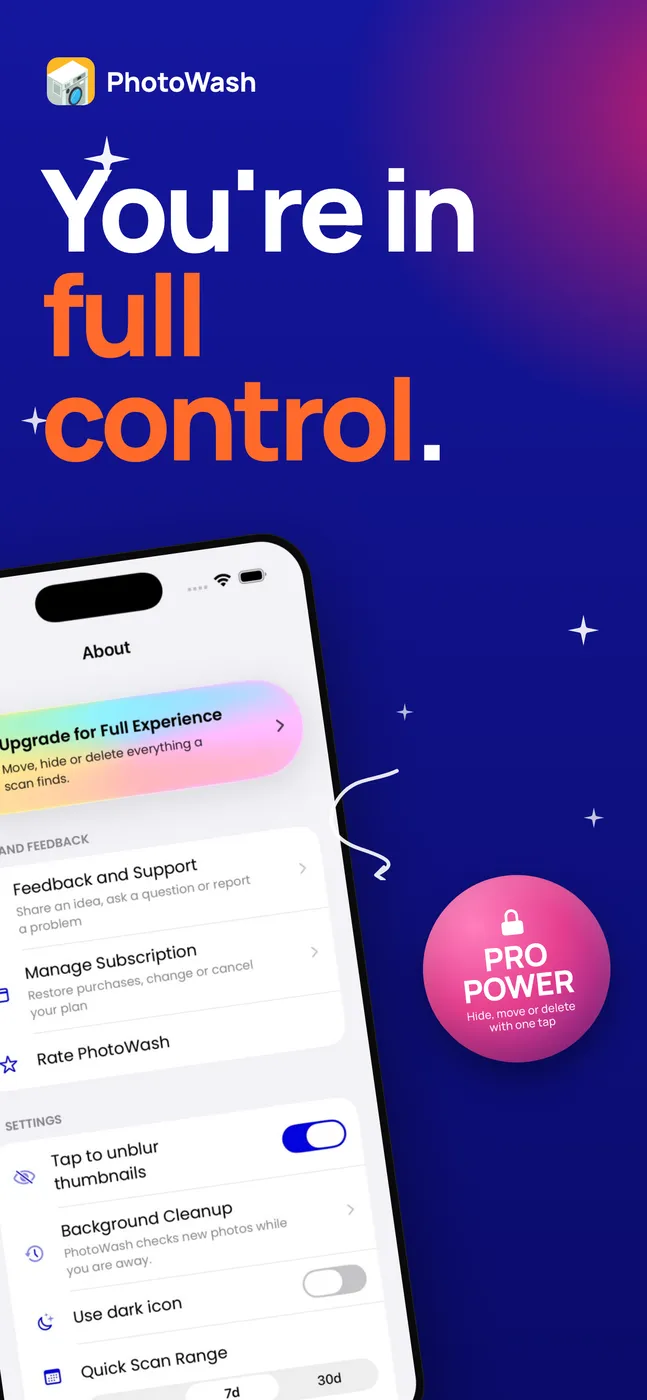
It also speaks more languages than it used to, English, Spanish, Portuguese and Ukrainian, which is a small thing that took a surprising amount of work and is worth its own post one day.
Where to get it
PhotoWash is on the App Store, on iPhone and iPad.

Next in the series: a train tracker for Hungary, and the pleasant discovery that a lock screen can be a live departure board.