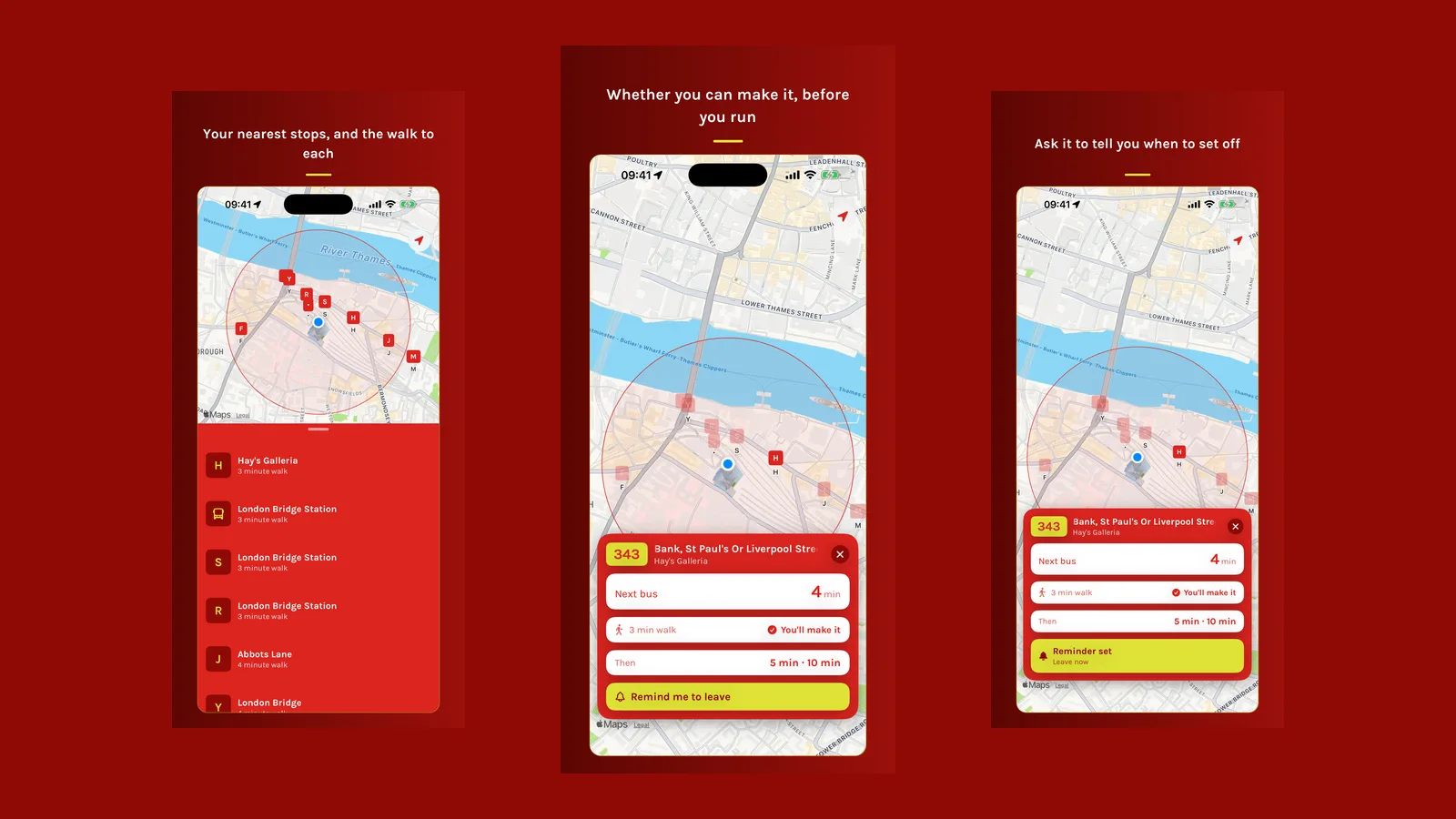


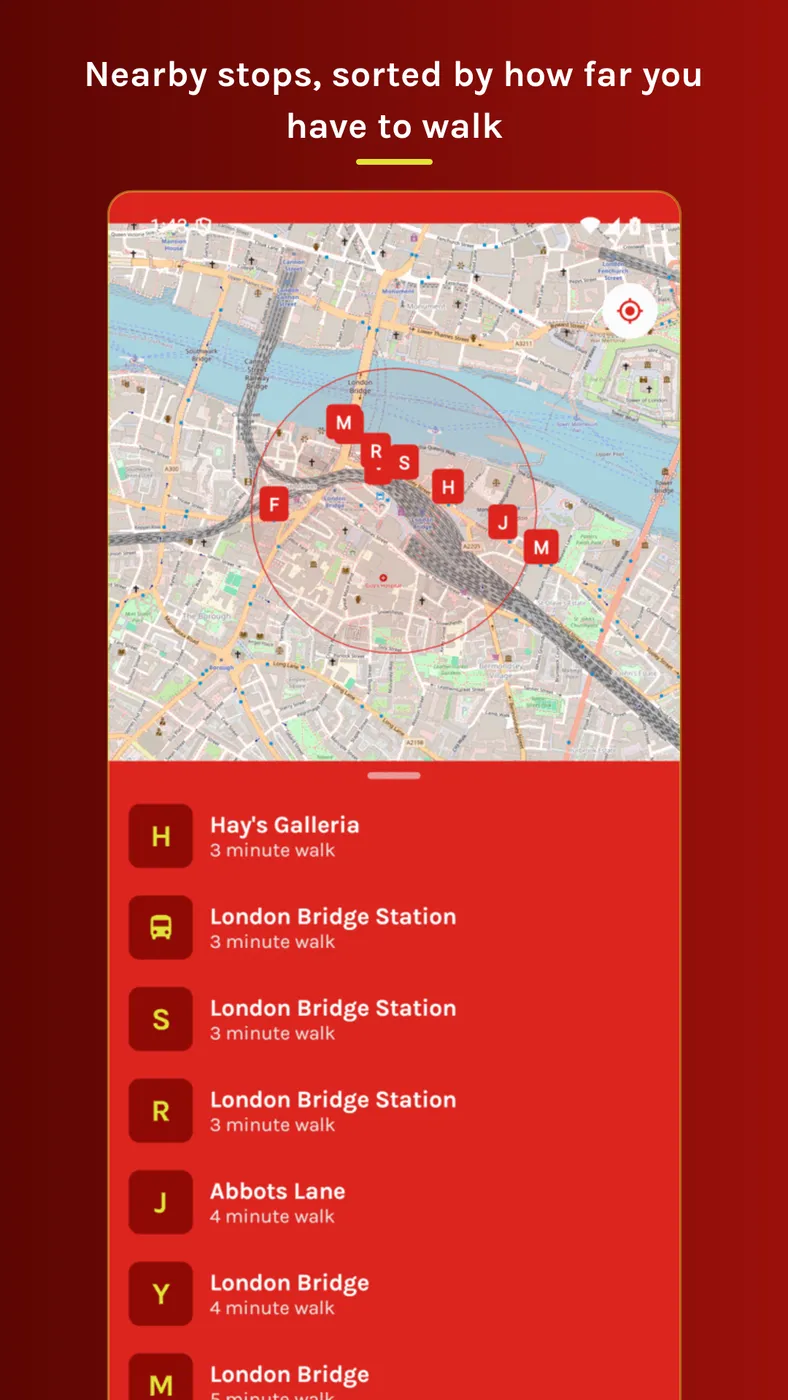
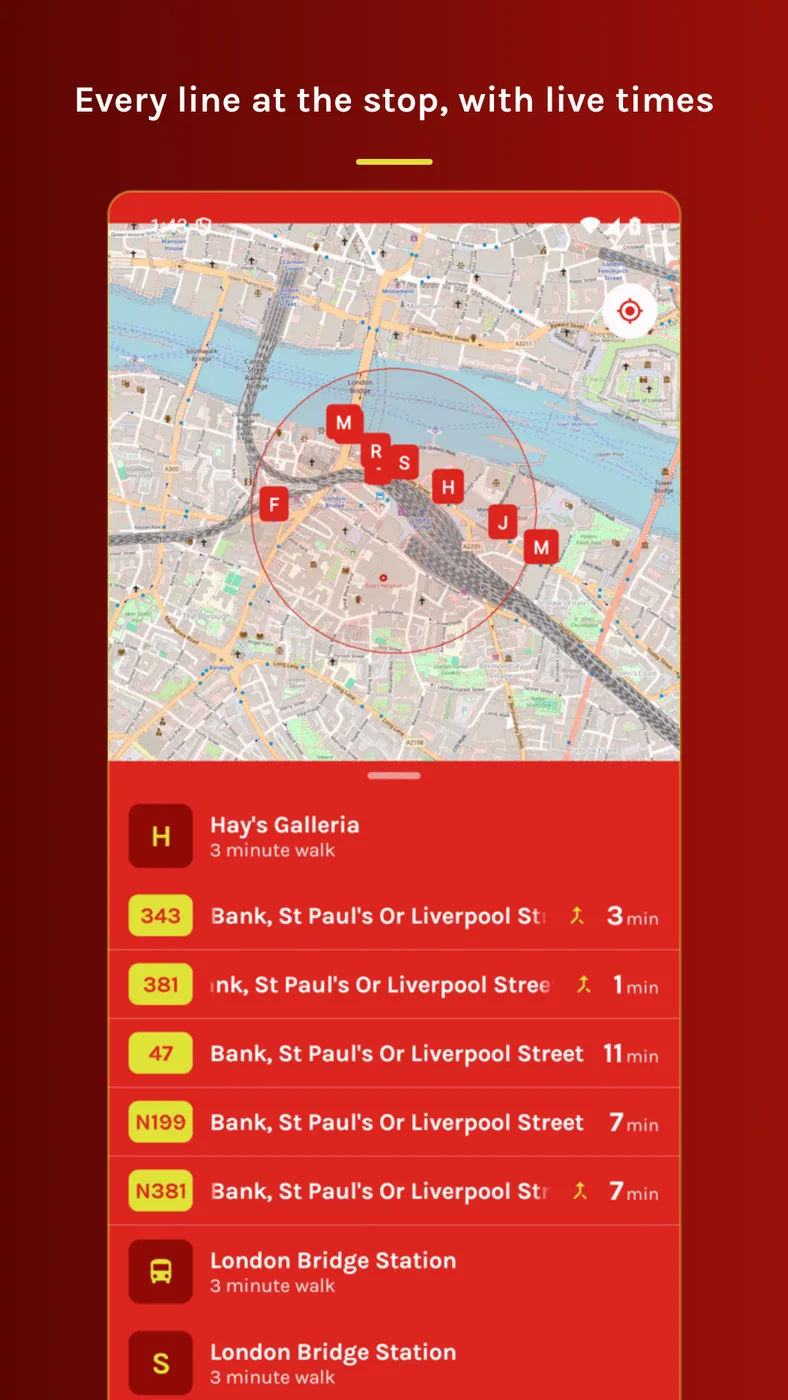
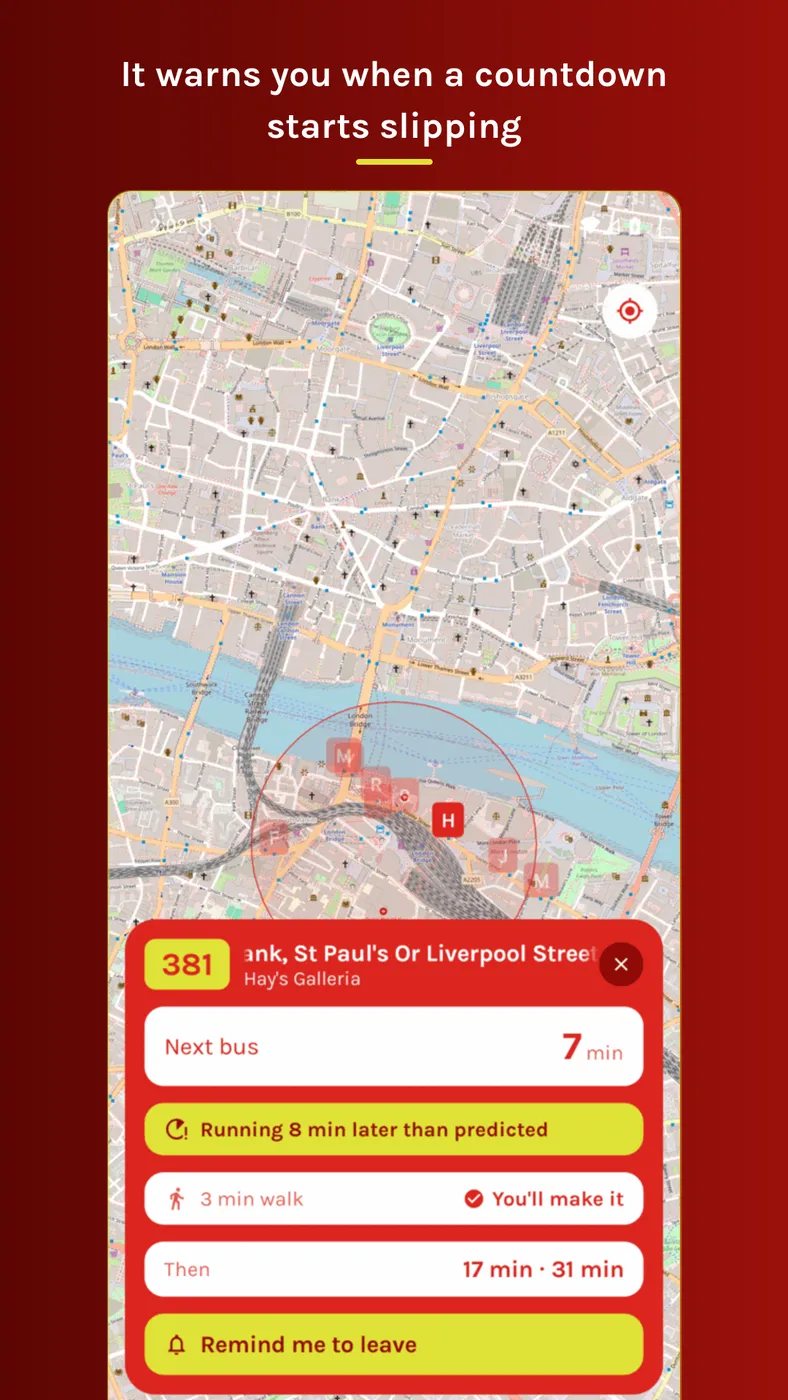
Last in the series, and the only one that is a port rather than an original. Bus Watch on Android does what the iPhone version does: nearby stops, live arrivals, whether you can walk there in time, and a nudge when it is time to leave.
The idea, such as it is
There is a particular temptation when porting an app, which is to treat the second platform as a chance to redesign the first. I did not do that. The Android app matches the iOS layout, palette, wording and behaviour on purpose.
That is a discipline more than a decision. Every time Compose made something slightly awkward, the answer was to make Compose do the iOS thing rather than to quietly redraw the screen around the framework’s preferences. The result is written in Kotlin and Jetpack Compose, and there is no Wear OS companion.
The interesting problem: a reminder that cannot be late
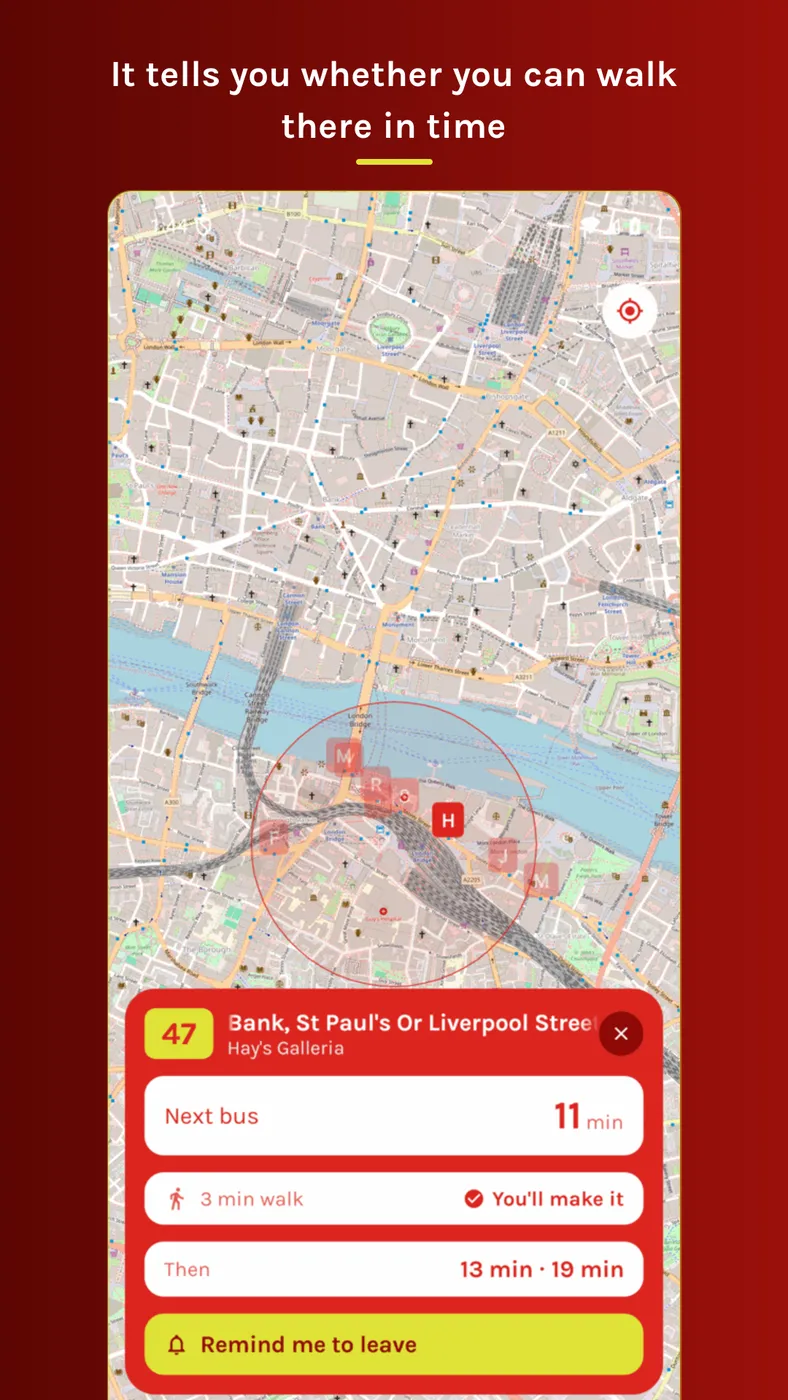
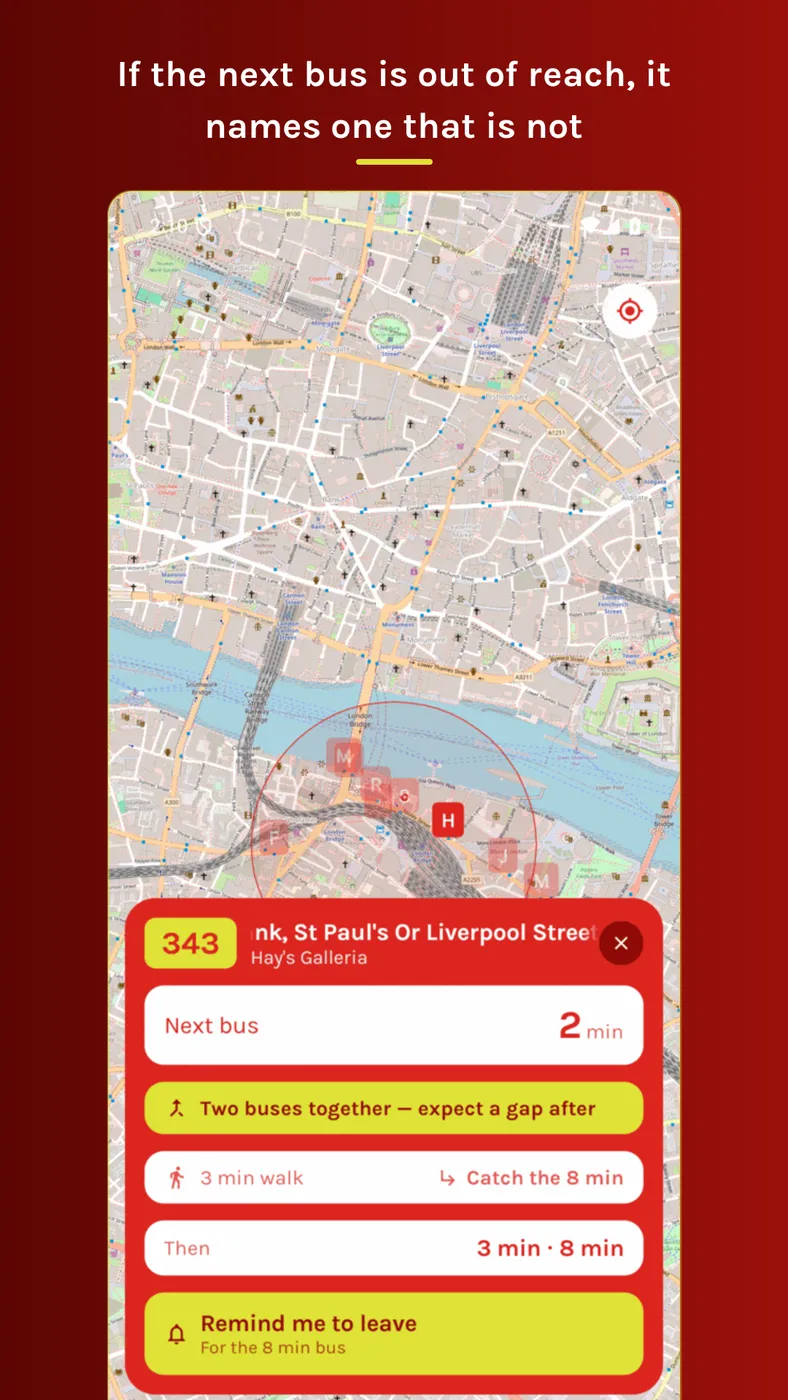
Tap “remind me to leave” and your phone tells you when to walk out of the door for that bus. It takes the time the bus is due, subtracts your walking time and a minute of slack, and that is when it buzzes. If the next bus is already out of reach it moves to the first later one you can still catch, and says which.
A reminder like that has to be on time. One that arrives after the bus has gone is worse than none at all.
Android does not hand that out freely. The permission that buys you an exact alarm is reserved for apps whose whole purpose is alarms, timers and calendars. Bus Watch’s purpose is bus times, so asking for it would fail policy review. The other exact alarm permission is refused by default on modern Android, which means the first tap of “remind me to leave” would send you off to Settings, in the middle of the one gesture the feature actually is.
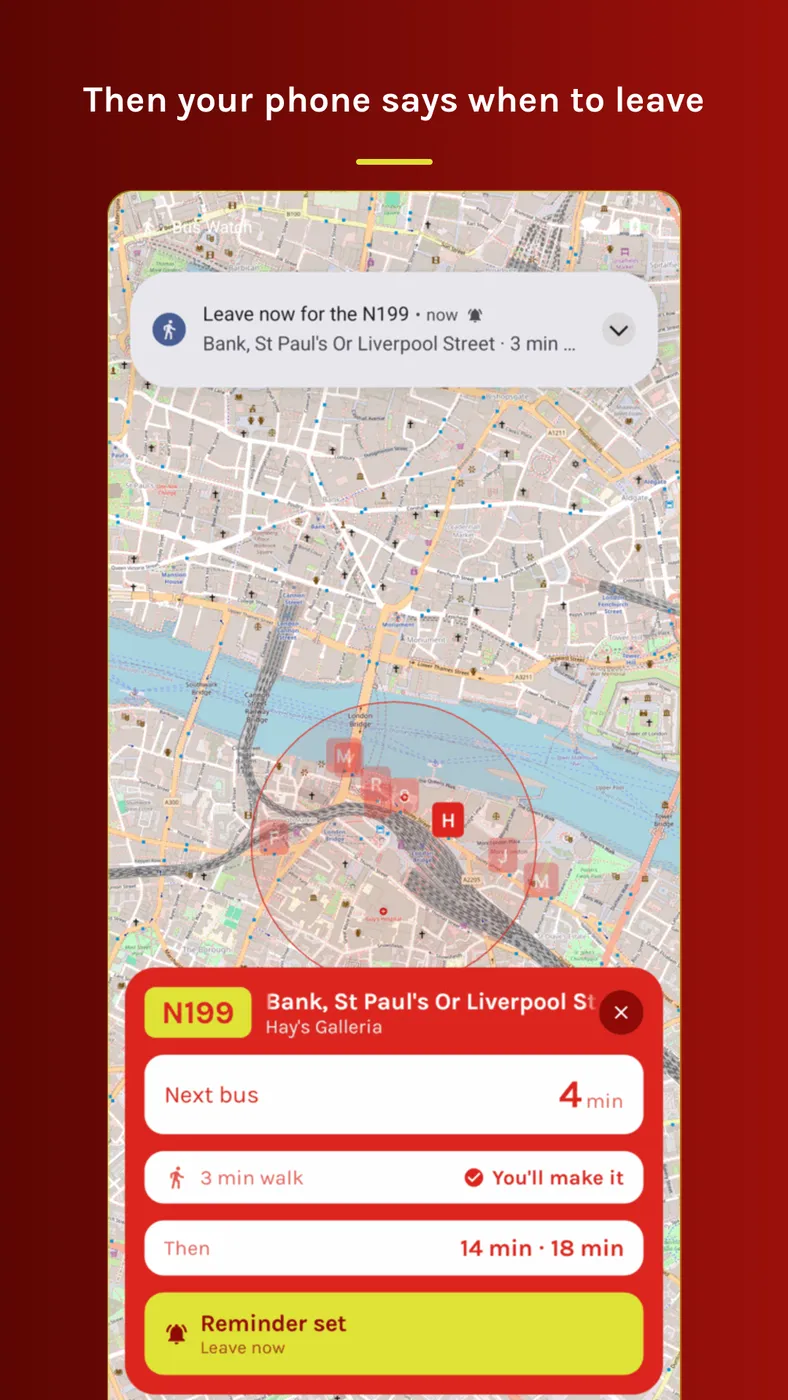
So the app asks for no alarm permission at all. Notifications are the only thing it ever asks the user for, and it asks on the first tap of the button rather than at launch.
Without that permission Android will not promise to wake you at an exact minute. It gives itself a window, and it always delivers at the end of it rather than the start, which is how you end up being told to leave three minutes after you should have. So the app asks to be woken earlier than it really wants, sized so that the end of Android’s window lands on your leave time instead of after it. Each time it wakes and finds the moment is still a way off, it goes back to sleep and asks again, a little closer. The result is a nudge that can be a minute early and cannot be late, and being a minute early just means standing at the stop.
The same eye on the service
The Android app watches the arrival times move between refreshes, so it can tell you when two buses on the same number are about to turn up together and leave a long gap behind them, when your bus is quietly getting later, and when one disappears off the board without ever arriving.
The rules that decide when to warn you live in plain Kotlin types that take the clock as an argument, rather than in the views, so they can be tested directly.
Where to get it
Bus Watch for Android is on Google Play.