
Third in the series. Bus Watch is a London bus app for iPhone and Apple Watch.
The idea
The countdown sign at the stop only helps once you are standing at it. By then you have already decided to walk there. What I wanted to know was whether to set off at all.
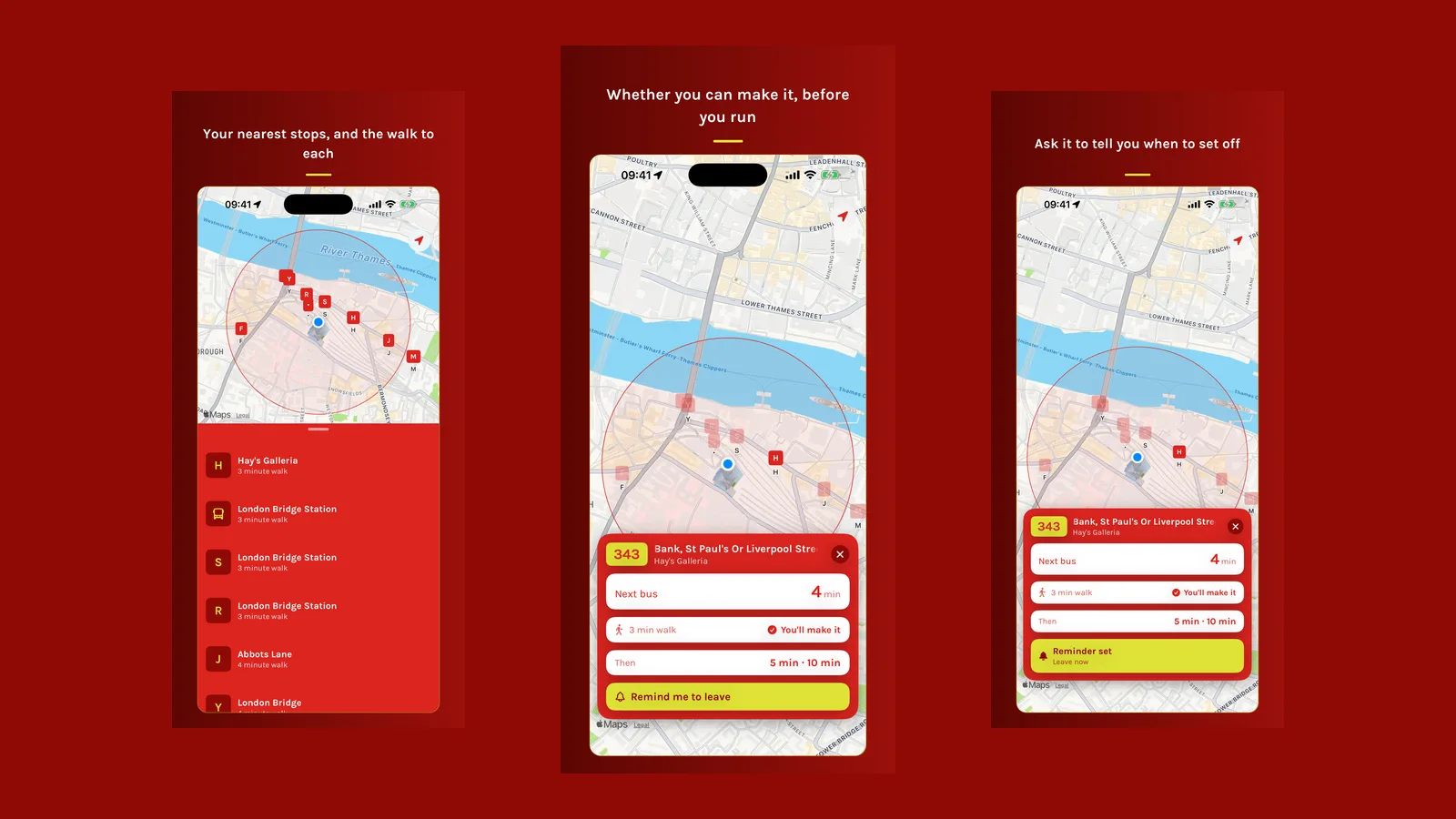
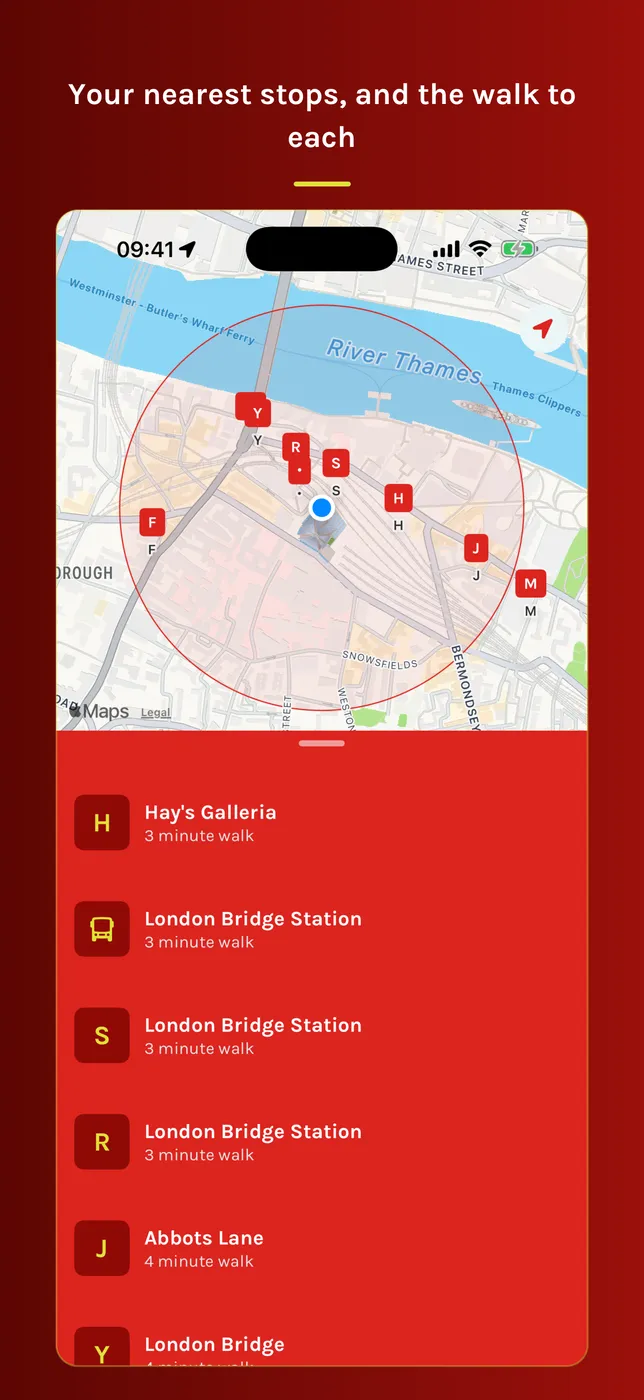
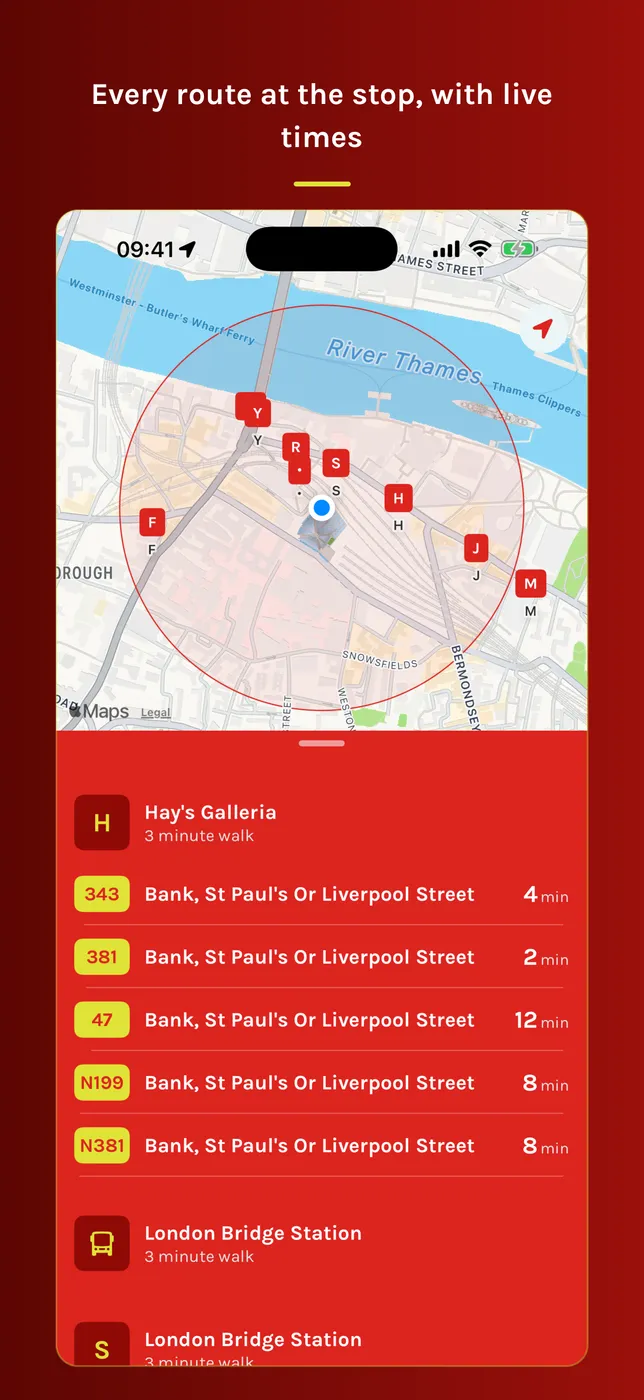
Bus Watch shows the stops near you, sorted by how far you have to walk, with a walking time on each row. Tap a stop and you get every route it serves, the destinations and when the next bus is due. Tap a route and the app compares the walk with the arrival time and gives you a verdict: you will make it, you are cutting it fine, or it is too far and here is the next one you can catch.
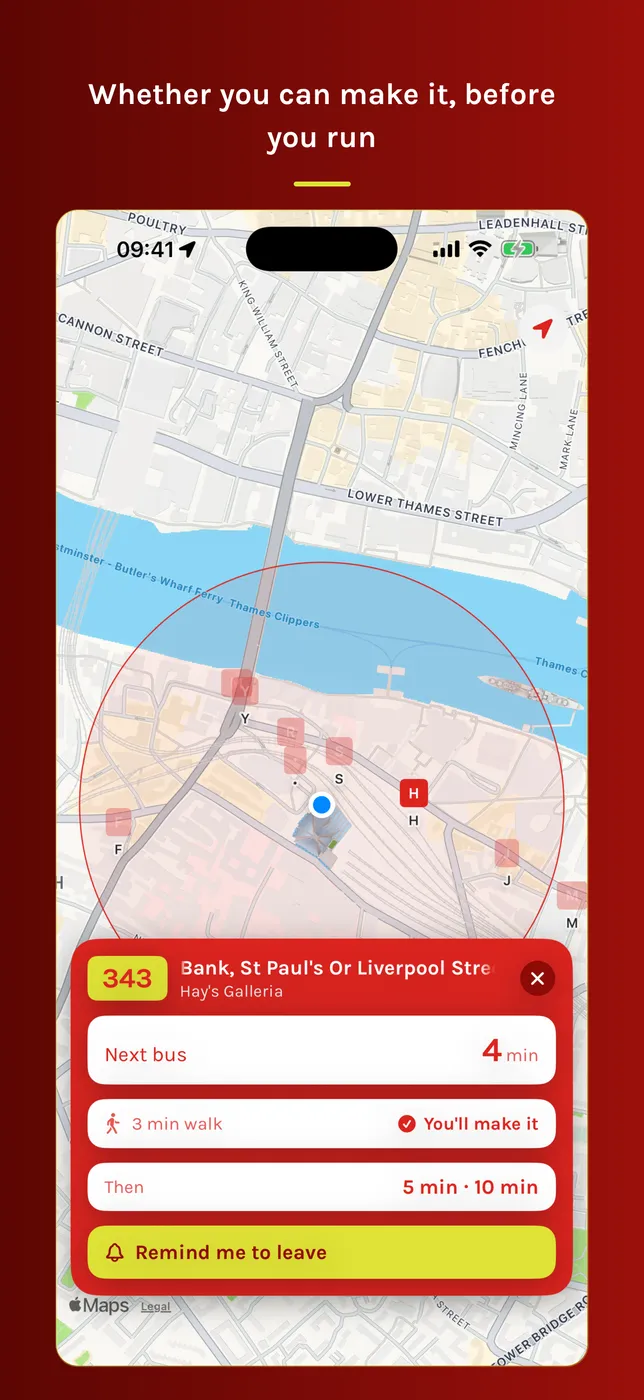
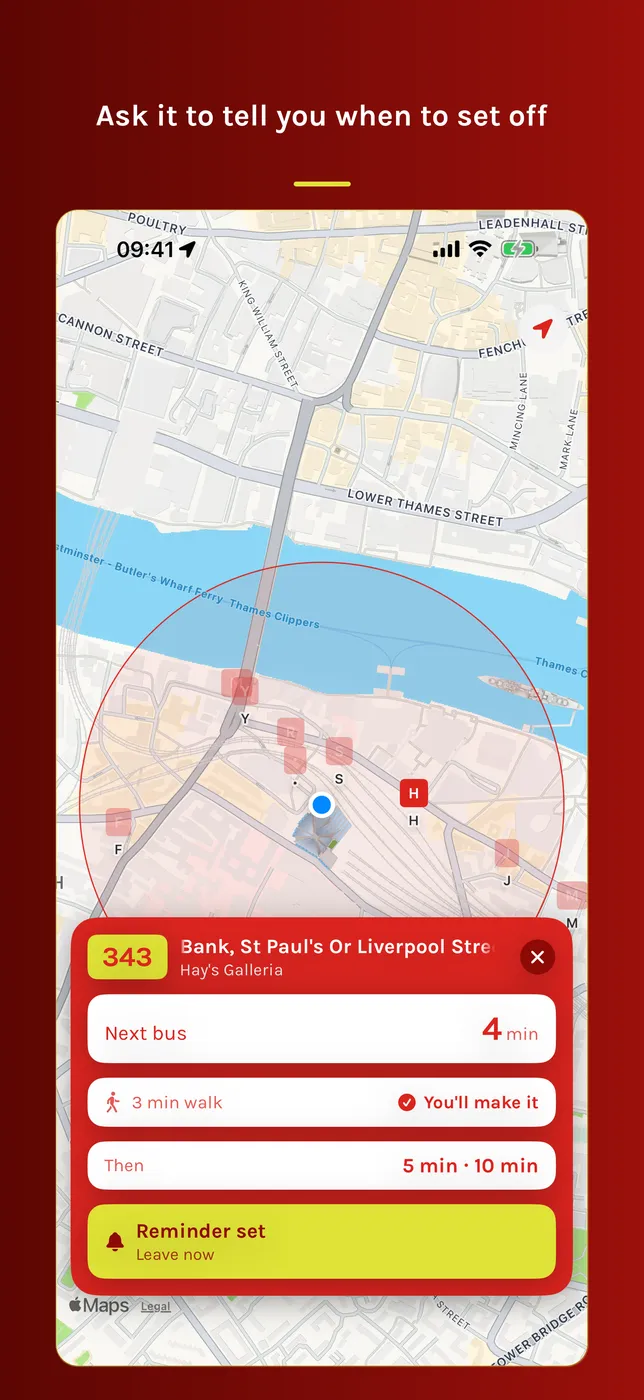
Tell me when to leave
Tap “remind me to leave” and the phone tells you when to set off. It takes the arrival time, subtracts your walking time and a minute of slack, and notifies you then.
If the next bus is already out of reach, the app does not schedule a reminder for a time that has passed. It moves to the first later bus on that route you can still catch and says which one it is.
What the numbers do not tell you
The app refreshes arrivals every 30 seconds, so it can see how the predictions are moving.
Two buses on the same route arriving together usually means a long gap behind them. A countdown that has lost several minutes since you first looked means your bus is slipping. A bus that disappears from the board before arriving is a ghost. Bus Watch flags all three: a small icon in the list, and a line of explanation on the route card.
On your wrist
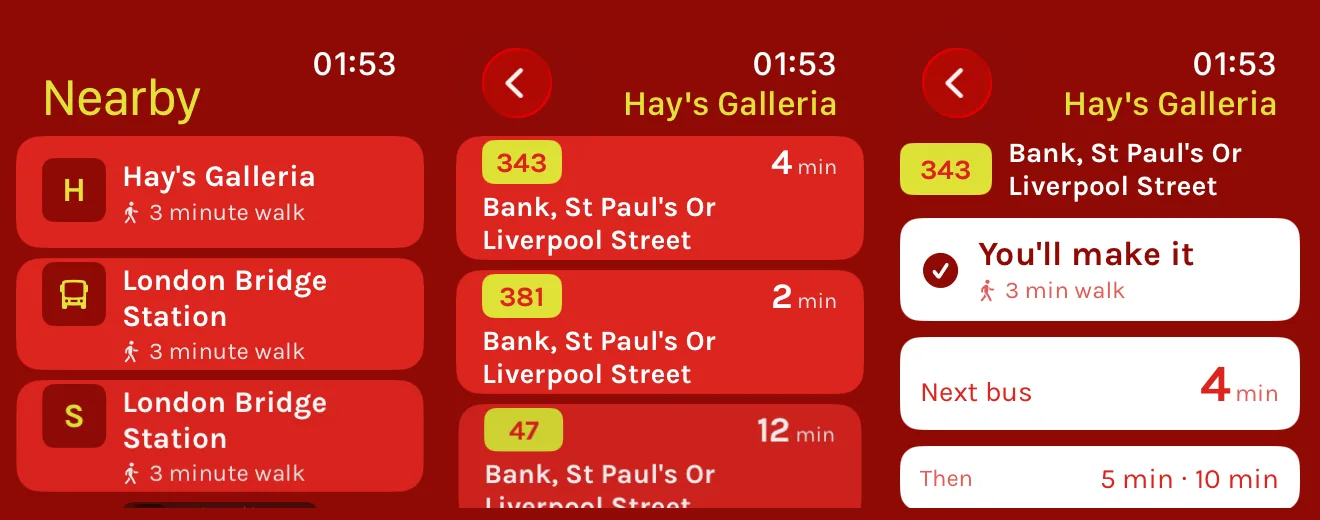
There is an Apple Watch app with the same nearby stops and live arrivals, at a size you can read at a glance. It is the version I use most.
Some UX considerations
- Every stop row has a fixed-width badge, whether the stop has a letter or not. Free text of varying width made the list look ragged, and fixed badges mean every name starts at the same place.
- Long stop names and destinations scroll instead of being cut off. “Bank, St Paul’s Or Liverpool Street” is wider than a phone, and the end of the name is the part you need. The text runs to the end, pauses, and comes back, rather than looping.
- Dark mode uses its own palette instead of a dimmed version of the daytime red, which looked like a warning light at night.
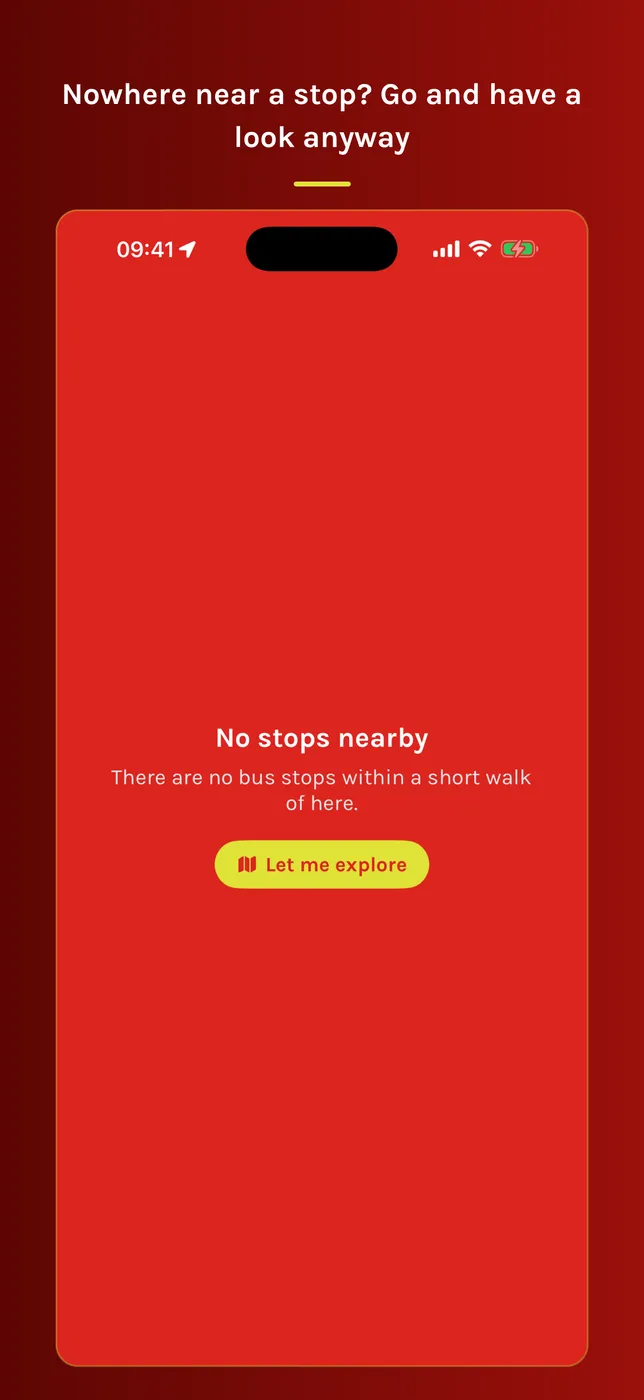
- If you are not in London there is a “let me explore” button that moves you to London Bridge, with a banner making it clear you are not looking at your own location.
Where to get it
Bus Watch is in TestFlight beta at the moment, with an App Store release to follow. It uses live Transport for London data. There is no account to create and nothing to sign into. It is not affiliated with nor endorsed by TfL.
Next in the series: the same app on Android, and how the leave reminder works without an exact alarm permission.