
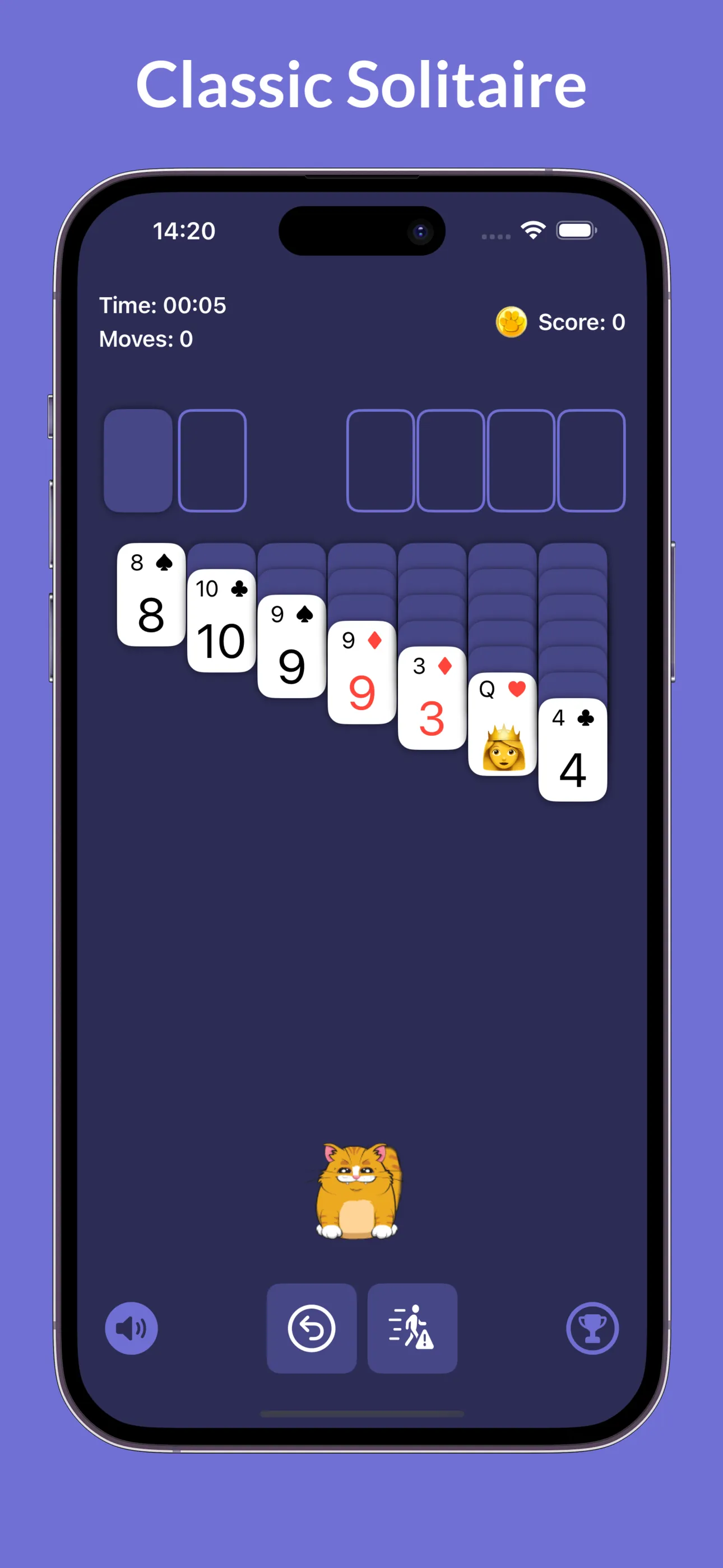
Catlitaire is now live on the App Store. It’s a solitaire game where a cheeky cat named Heisenberg occasionally helps with hints or, more often, steals your cards for a laugh. It’s quite relaxing, the soundtrack turned out lovely, and the cat animations turned out to be charming.
The technical implementation, however, was anything but.
The SwiftUI Experiment
I thought building a simple card game in SwiftUI would be perfectly adequate. After all, it’s just cards moving around on screen, right? How hard could it be?
Turns out, very.
My daily work involves SwiftUI for UI development, declarative layouts, state management, all that good stuff. But the moment I tried to build a game with it, the flaws of my approach to game building showed its limits in spectacular fashion.
The Drag and Drop Disaster
Originally, I wanted full drag and drop interactions. Seemed natural for a card game. Apple even provides a tutorial for this: Adopting drag and drop using SwiftUI. I followed it, got it working, and immediately hated the result.
The cards in solitaire are small and layered on top of each other. Making drag and drop feel natural with those constraints was challenging. And honestly, drag and drop isn’t even the most natural interaction on iOS or iPadOS to begin with. It works fine for rearranging photos or moving files around, but for a card game? I’m not so sure.
So I scrapped the entire approach and switched to tap-based mechanics.
Animation Agony
Then came animations. I explored Apple’s visual workbook on animating views and transitions, which is genuinely brilliant if you’re building animated interfaces, charts, or control elements.
But what about game components? It felt like using a nailgun to make pancakes. A great tool, completely unfit for purpose in my case.
SwiftUI’s declarative animation system works beautifully when you’re transitioning between view states or animating layout changes. Yes, you can animate items flying across the screen, but it is not the same level of fidelity you need for sprite-based animations, or physics-driven movement. I managed to cobble together some resemblance of animations, but I’m far from happy with the result.
In all honesty, I might rewrite the whole thing in SpriteKit at some point.
What’s Next
SpriteKit seems like the obvious choice. I’ve already used it for AstroBlitz, and it handles sprite management, physics, and animations with far less friction than SwiftUI ever could for games.
I’m also considering going the Progressive Web App route altogether. Make it cross-platform, installable like a native app (iOS supports this now: Add a website to the Home Screen), and accessible from anywhere.
Was It Worth It?
It was a crazy thing to attempt. Even my previous word puzzle game used SpriteKit. I set myself a challenge, and whilst the code is far from ideal, the result is a fun and relaxing game. The soundtrack choice was spot-on, and Heisenberg the cat turned out to be a fun addition to otherwise somewhat dry classical card puzzle game.
Would I recommend building games in SwiftUI? Only if they’re card-based or rectilinear UI games. Memory card games, edtech apps, that sort of thing. Anything requiring complex animations, physics, or natural-feeling interactions? Use a proper game framework.
SwiftUI is brilliant for what it wasg designed for. Game development just isn’t on that list.